


Onboarding FAQ for Candidates
Review the welcome email to ensure all onboarding tasks are being completed. All required tasks as part of onboarding will be listed.
Your onboarding welcome email includes a link to your secure onboarding portal, where you can complete all required forms. You can access the onboarding portal directly here: https://newhire-piedmont.icims.com/. Login using the account information you used to create your account when applying.
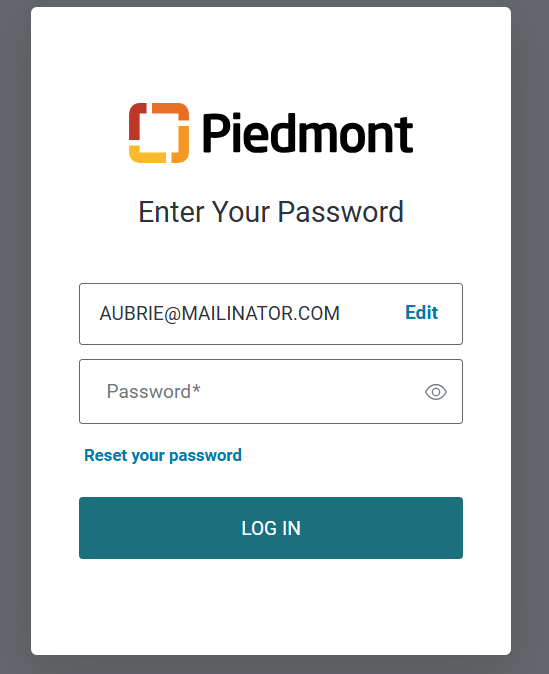
If you are having trouble logging in, you can reset your password using the reset password link. If the issue persists, please reach out to your TA Coordinator.
Your offer is contingent upon completion of the following:
- Background check
- Pre-employment health screen
- Drug test
- Verification of education, licensure, and/or certifications, if applicable
- Verification of proof you are eligible to work in the United States
The onboarding welcome email contains all required tasks and details on what needs to be completed.
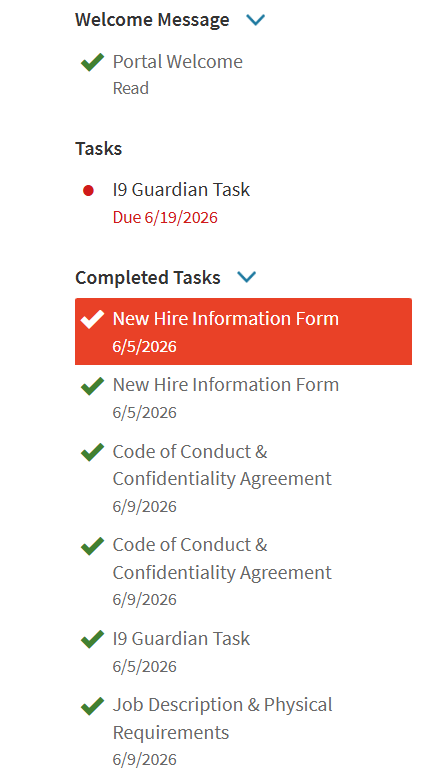
Your onboarding portal will show your progress and any remaining tasks that need to be completed in the portal.
To access the status of your background, drug screen, or any other outstanding items, you can confirm with your TA Coordinator directly.
Yes, most onboarding tasks can be completed on a mobile device, though a computer may provide the best experience for certain forms.
Yes, your offer is contingent upon completion of a background check.
You will receive an email from CISIVE, our third-party background vendor, with your login credentials. Once you login and create an account, you will be provided instructions on how to complete and submit the background check forms and required authorizations. Please be prepared to enter your address, education, and employment history.
If you choose “No,” you will need to provide documentation to verify your employment. Please be prepared to submit at least one of the following:
- W-2
- 1099
- First and last paystubs
- IRS Wage & Income Transcript
To access your IRS transcript:
- Visit the IRS “Get Transcript” page.
- Select Get Online Transcript.
- Log in using ID.me.
- Choose your reason for access.
- Locate Wage and Income Transcript.
- Download the required year(s) as a PDF.
Once submitted, our background check vendor (CISIVE) will begin reviewing the submitted details. Should you have any questions regarding the background check, you can reach out to CISIVE directly at 877-214-5496 or your TA Coordinator.
Your offer letter contains details about your start date and New Employee Orientation (NEO) details for day 1. Your hiring leader or team will provide information about your full schedule and any additional orientation or training details.
Please arrive 20 minutes prior to NEO start time to allow for check-in and dress in accordance with your role, such as scrubs, business casual, or professional attire. No jeans, shorts, t-shirts, tank tops, flip flops, etc. After orientation, please be prepared to work for the rest of the day.
You will also need to bring documentation to verify your eligibility to work legally in the United States. Refer to this link for a full list of acceptable documentation: http://www.uscis.gov/i-9-central/acceptable-documents.
For RN roles, scrub color is navy. For all other roles, scrub color is dependent on the entity and department you support. Your hiring leader can provide these details to you.
Your TA Coordinator will be your main point of contact and can help answer any additional questions.
If you run into any issues, please reach out to your TA Coordinator directly using the contact information provided in the onboarding email for support.
All pre-employment requirements must be fully completed and processed before a candidate is cleared to start. This includes:
- Signing and submitting all required onboarding documents
- Completing your pre-employment physical and drug screen
- Ensuring the background check is fully processed
To ensure a timely start, all items must be completed within 5 days prior to the scheduled start date. Candidates who have not completed and cleared all requirements within this timeframe may be subject to a delayed start.
Completing your onboarding tasks on time, staying in communication with your TA Coordinator and consultant, and reviewing any information provided will help set you up for a successful start.